
ERP module
CMS
A new era for your business.
Code Dream ERP can be adapted to any business (sales or servicing of cars, watches, bicycles or any other devices, machines and appliances)
The CMS module lets you store the data that matters to the company, organised by defined categories. The administrator can create entities within categories. The CMS is an essential module on which all the other modules rely, which is why we rightly call it “the brain of the ERP software”.
For example, if you are in manufacturing, sales or servicing, your CMS module would look like this:
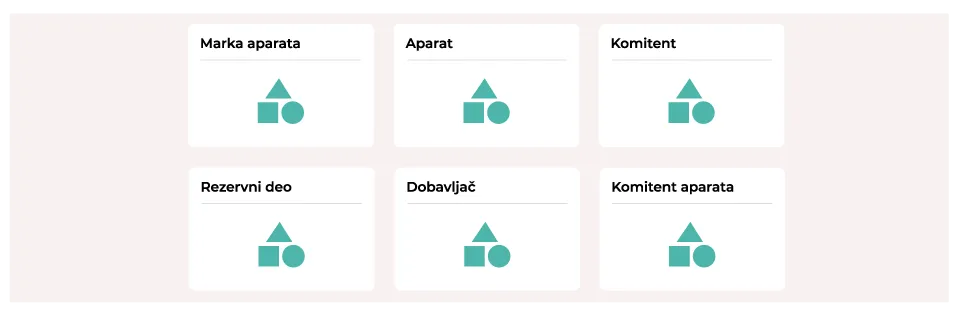
You can manage every category and add new entities to it. For instance, if you want to add a new type of refrigerator to your CMS, you do so by entering all the necessary information.
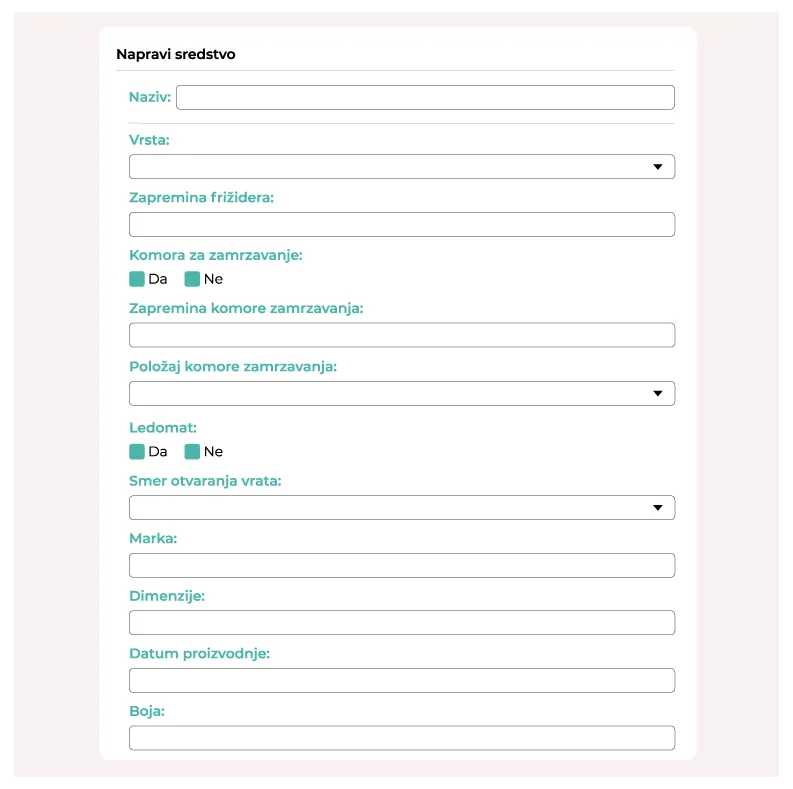
The fields shown are only an example; of course, new options can be added and existing ones removed as you wish. This is also just an example of managing one of the entities. In the same way (following the CMS map above) you can add new business partners, spare parts, vendors…
Opening the “Appliance” section shows a list of every type of appliance your company owns. See the illustration below.
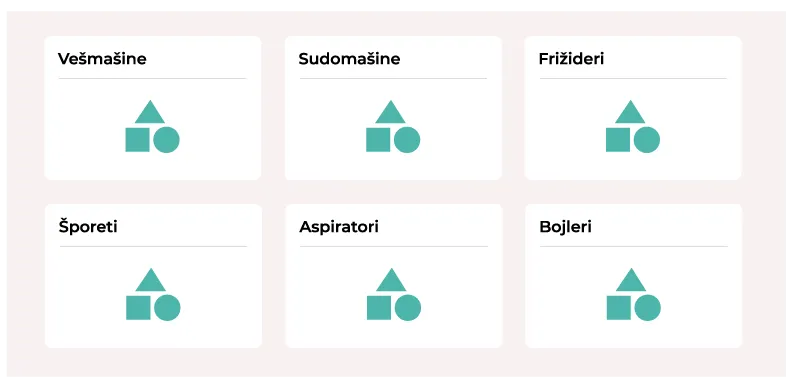
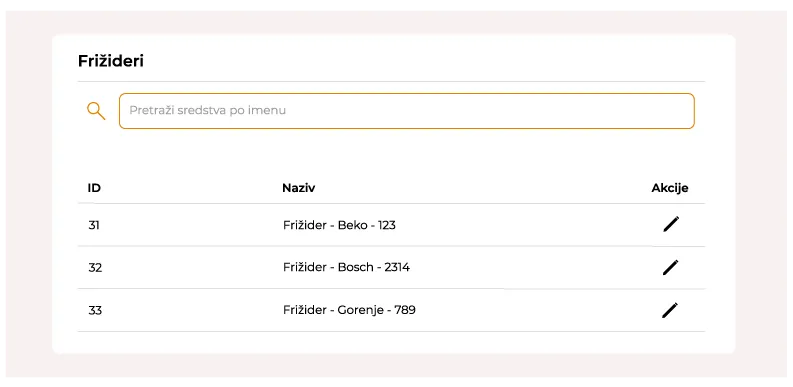
As with refrigerators, you can view the list of every other entity in the CMS. This helps with transparency and speeds up the business.
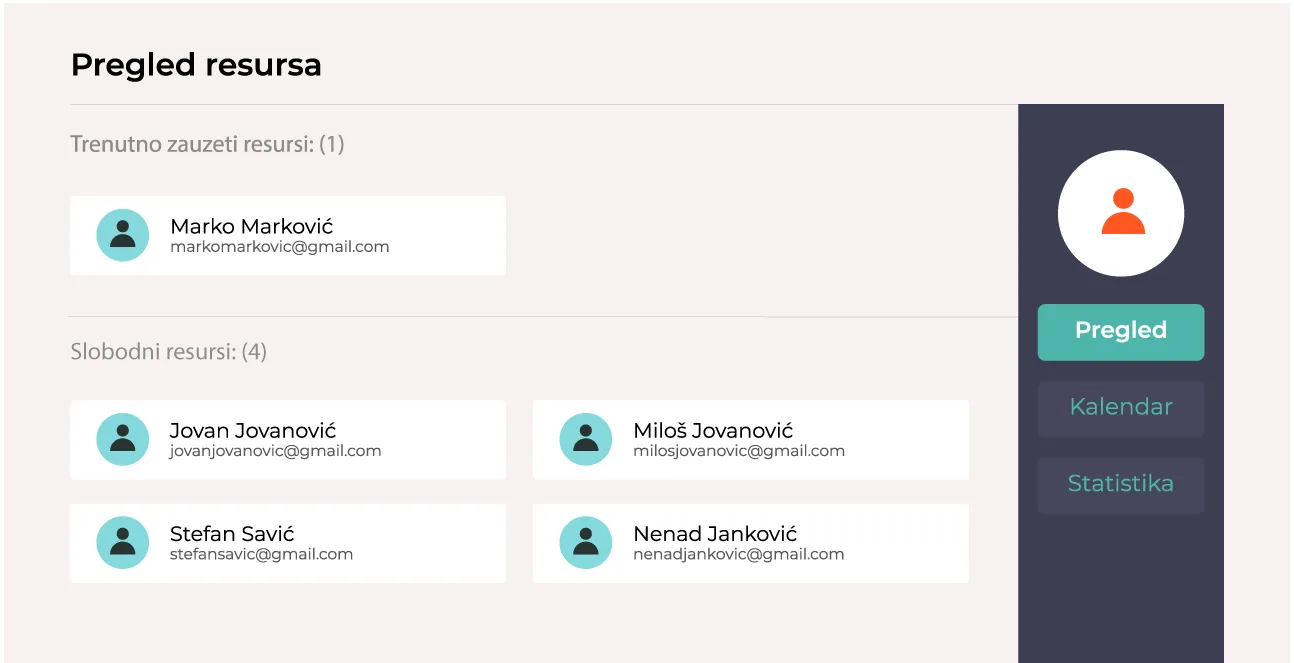
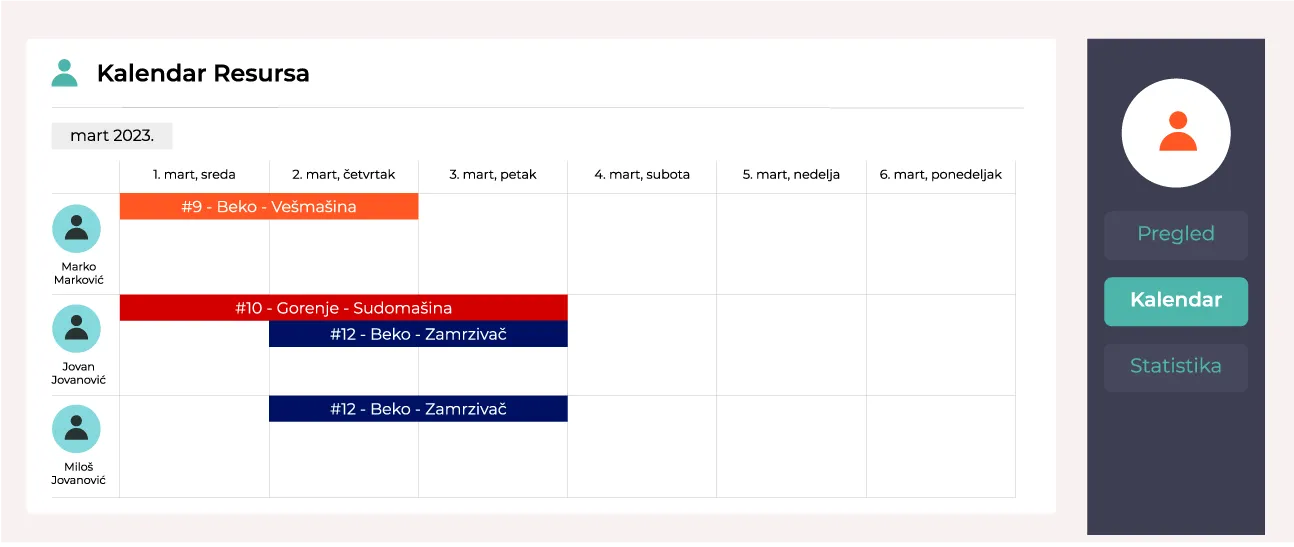
When it comes to the availability of your resources (technicians), you can check it very simply in the “Resources” section on the top navigation bar.

Opening this section gives you 3 options:
- An overview of free and busy resources (technicians).
- A calendar with resource availability dates.
- Statistics.
The resource availability calendar:
Interested in working with us? Need a reliable, high-quality software solution?
Contact us